



This post contains affiliate links. If you buy through our links we may earn a small commission at no extra cost to you.
Last Updated: July 2026
TL;DR: The best mechanical keyboard in India right now depends on your budget and use case, not one single winner. For most buyers under 5000, the Ant Esports MK4100 covers typing and the Redragon K552 Kumara covers gaming. If you want wireless with PBT keycaps under 10000, the Cosmic Byte Phantom TKL is the strongest all rounder we tested. Every price and link below is checked directly on Amazon India, not copied from a search results page.
Contents
You Are Typing on a Keyboard That Is Slowly Failing You
Every membrane keyboard dies the same way. A few keys start double typing. The spacebar gets mushy. Somewhere around year two, you are pressing harder just to get a letter to register. That is not a you problem, that is a membrane problem.
The best mechanical keyboards in India right now, confirmed working on Amazon India as of this month, are the Ant Esports MK4100 for typing under 2500, the Redragon K552 Kumara for gaming under 2500, and the Cosmic Byte Phantom TKL if you want wireless with proper PBT keycaps under 4000. All three are linked further down with exact prices and specs.
If you type for a living, game after work, or just want something on your desk that does not feel like a leftover office supply, a mechanical keyboard changes that relationship with your desk. Here is exactly which one, for exactly which situation.
Why Mechanical Keyboards Actually Matter
Three reasons, and none of them are marketing fluff.
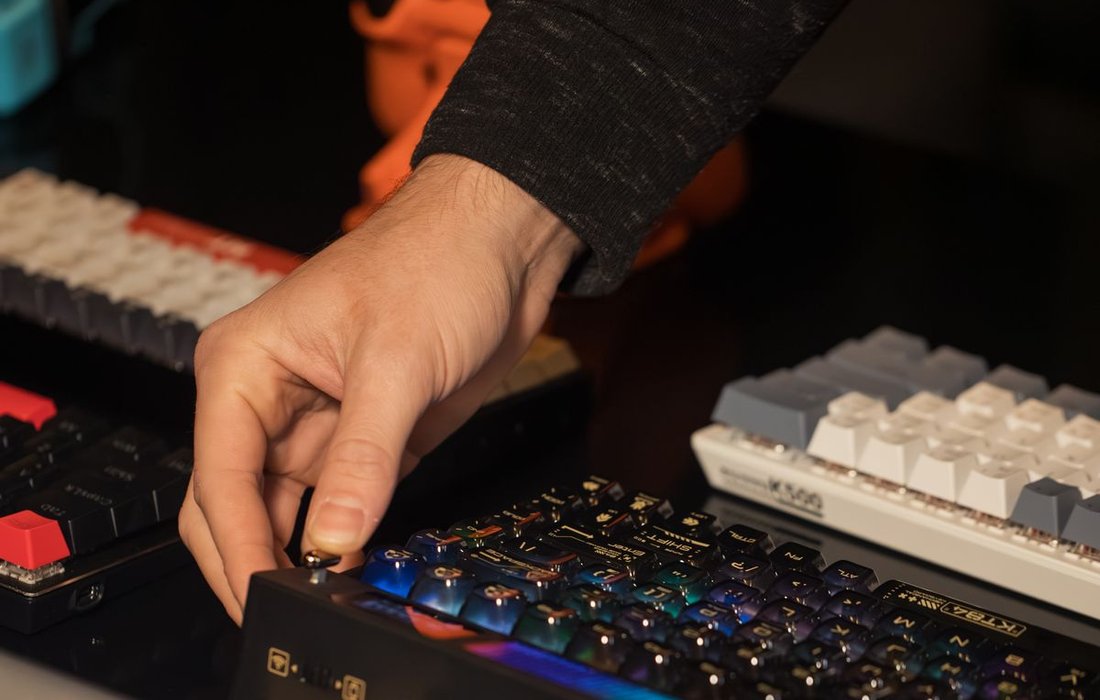
Durability. A membrane keyboard uses a rubber dome that degrades with every press. A mechanical switch uses an individual spring and contact per key, rated for 50 million keystrokes on most budget switches. That is 3 to 5 times the real world life of a membrane board before keys start failing.
Typing feel. Every keystroke gives you physical feedback, a bump or a click, so your fingers know a key registered without you having to bottom out the switch. Over an 8 hour typing day, that reduces finger fatigue in a way a flat membrane press cannot.
Gaming performance. Actuation happens partway down the keystroke, not at the bottom. That means the input reaches your game faster than a membrane keyboard, which matters in anything competitive.
The Indian Mechanical Keyboard Market
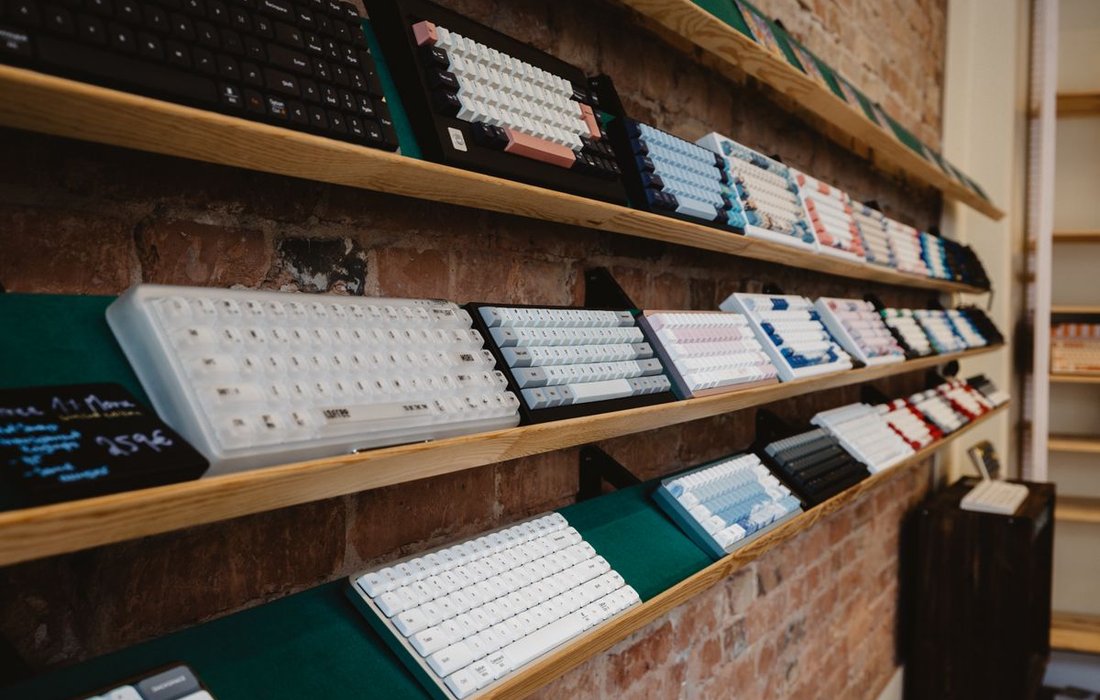
India’s gaming hardware and PC peripherals market has grown fast enough that Indian brands now compete directly with Chinese and international names on the same Amazon India search page, something that was not true five years ago.
According to Statista’s India gaming market data, sourced from a Lumikai and Amazon Web Services report, the market was projected to cross 8.5 billion dollars by fiscal year 2027. PC peripherals including keyboards are one of the categories riding that growth directly, since gaming setups are usually built one component at a time starting with a mouse and keyboard upgrade.
Mechanical keyboards have grown in India for a specific reason: prices collapsed. Features that cost 10000 rupees two years ago, gasket mount, hot swappable switches, tri mode wireless, PBT keycaps, are now available under 5000 rupees, verified on the exact listings we link below.
Three price segments actually matter in India right now:
- Under 2000: Entry level, wired, ABS keycaps, usually one RGB mode. Good first mechanical keyboard, not a long term daily driver.
- Under 5000: The real sweet spot. Hot swappable switches, proper RGB, occasionally PBT keycaps or gasket mount.
- Under 10000: Wireless tri mode, gasket mount as standard, PBT keycaps common, software support.
On brands: Indian names like Ant Esports, Zebronics, Cosmic Byte, and EvoFox now build genuinely competitive hardware at their price points, while international names like Keychron and Royal Kludge sit either right at the 10000 line or well above it. More on both below.
Switch Types Explained Simply
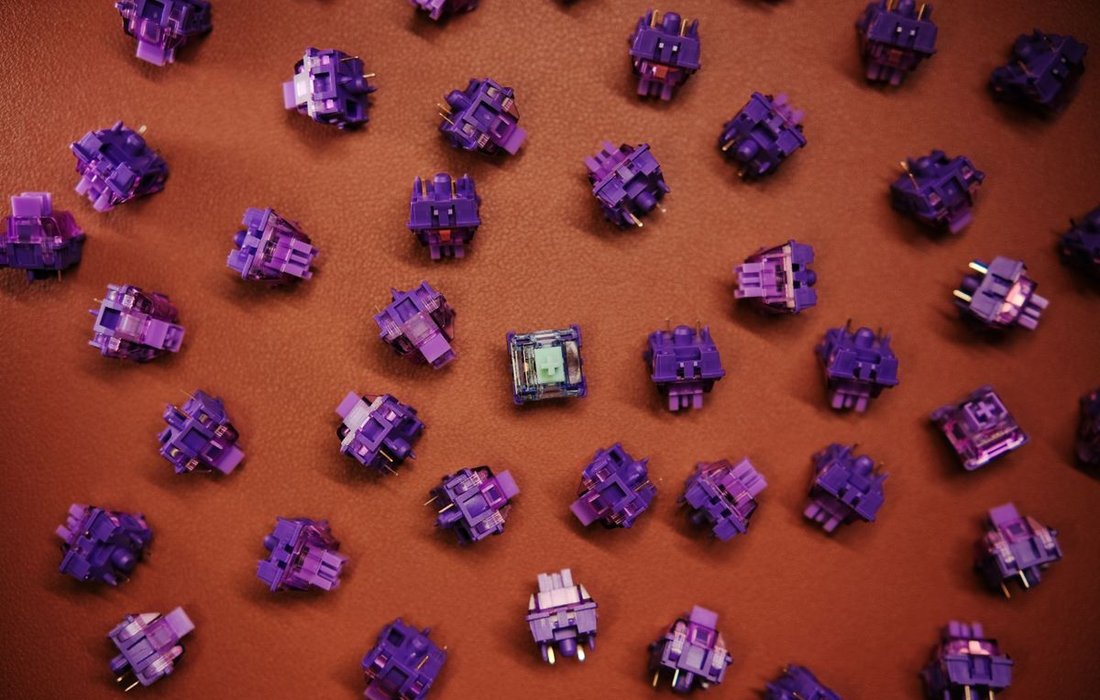
This confuses more first time buyers than anything else on this page. Here is the plain language version.
Switch names like Red, Brown, and Blue originated with Cherry MX’s original switch lineup, and most budget Indian keyboards use Outemu or similar clones of that same color coding, so the feel described below applies across brands.
Linear switches (Red, Yellow): The switch moves straight down with no bump, no click, just smooth resistance. Quiet, fast, the gaming favorite because there is nothing slowing your finger down mid press.
Tactile switches (Brown): You feel a small bump partway down the press, confirming the key registered, without any audible click. Good for both gaming and typing, the safe middle choice if you cannot decide.
Clicky switches (Blue): Same bump as tactile, plus an audible click on every single key. Typing favorite for the satisfying feedback, genuinely annoying to whoever sits next to you in an office.
| Switch Type | Feel | Best For | Noise Level |
|---|---|---|---|
| Linear (Red) | Smooth, no bump | Gaming | Low |
| Tactile (Brown) | Bump, no click | Gaming and typing | Medium |
| Clicky (Blue) | Bump plus click | Typing | High |
Switch Brands You Will See in the Specs Below
Red, Brown, and Blue only describe the feel. The name in front of it tells you who actually made the switch, and that affects quality and consistency. Every brand named in this guide’s spec lists is explained here.
- Outemu: a Chinese switch manufacturer, the most common name on Indian budget keyboards under 3000. Decent quality clone of the original Cherry MX feel, slightly less consistent switch to switch than pricier options, genuinely fine for a first keyboard. Appears on the Redragon K552, Ant Esports MK4100, Cosmic Byte CB-GK-25, and Cosmic Byte Phantom TKL in this guide.
- Gateron: a step up from Outemu, smoother travel and more consistent feel switch to switch, the brand most premium boards choose. Appears on both Keychron keyboards in this guide.
- Ant Red: Ant Esports’ own in house branded switch, used on their entry level boards. Functionally a standard linear Red switch, just not made by an independent switch manufacturer. Appears on the Ant Esports MK1200 Mini in this guide.
- Unbranded Red, Blue, or Brown: some listings, including the Zebronics Nitro Plus, EvoFox Ronin X75 Plus, and Royal Kludge RK61 in this guide, only state the switch colour without naming the manufacturer. Treat these as generic clones, the feel matches the colour, but consistency is not guaranteed the way it is with a named brand.
Sound Comparison Table
| Switch Type | Sound Character | Volume Level | Best Setting |
|---|---|---|---|
| Red Linear | Poppy | Low | Gaming, office |
| Brown Tactile | Muted click | Medium | Both |
| Blue Clicky | Sharp click | High | Typing only |
| Yellow Linear | Near silent | Very low | Office |
| Silent Red | Dampened | Very low | Office, night |
Quick note on keycap material, since it decides half of what you actually hear.
- ABS keycaps: cheaper, thinner, develop a shiny, slightly scratchy sound as they wear. Standard on almost every budget pick under 2500.
- PBT keycaps: cost more, resist shine, produce a deeper, more solid sound, the one the keyboard community calls thocky. Starts showing up around 3500 to 4000 and up.
What to Check Before You Buy: Match Specs to Your Use Case
Every keyboard has the same list of specs. Which ones actually matter depends entirely on what you do at your desk. Here is the shortcut.
- Pure gaming: linear switch, NKRO rollover, wired or a fast 2.4GHz wireless connection, layout 75% or smaller so your mouse has room to move.
- Pure typing or office work: tactile or clicky switch, PBT keycaps if your budget stretches to it, anti ghosting is enough rollover, wired is fine since input lag does not matter here.
- Both, roughly equally: tactile Brown switch as the honest middle ground, NKRO if you can get it without paying extra, full size or TKL depending on how much desk space you actually have.
With that decided, here is what each individual spec term actually means, and exactly where it earns its place.
- Switch: the mechanism under each key, covered in full in the switch types section above. This one spec decides feel and sound more than anything else on this list. Sits best: at the top of your priority list, always decide this first.
- Layout: how much of the keyboard is physically there. Full size keeps the number pad. TKL drops it to save desk space. 60% and 75% go further, dropping function or arrow keys too. Sits best: full size for spreadsheet and data entry work, TKL for a balance of both, 60% to 75% for gaming desks that need mouse room.
- Case: what the body is made of. Plastic is standard and keeps cost down. Metal top plates add a sharper, louder sound and more rigidity. Sits best: plastic for budget picks under 3000, metal plate once you care about sound and feel specifically.
- Backlight: RGB means millions of colours and effects. Single colour is simpler and usually cheaper. None means no lighting at all. Sits best: RGB for gaming setups, single colour or none for office desks where it just needs to work.
- Rollover: how many keys register at the same time. Anti ghosting stops random wrong key presses during fast typing, and is enough for most people. NKRO, short for N key rollover, means every key on the board can be pressed at once and still register, which only matters for competitive gaming with complex key combinations. Sits best: NKRO for competitive gaming, anti ghosting for everyone else.
- Connection: wired plugs in and never needs charging. Wireless clears your desk but needs a battery. Tri mode wireless gives you Bluetooth, a 2.4GHz dongle, and a wired fallback in one board. Sits best: wired for zero risk competitive gaming, tri mode wireless for everything else including casual gaming.
- Keycaps: ABS is cheaper and gets shiny with wear. PBT costs more, stays matte, and sounds deeper. Full explanation is in the switch types section above. Sits best: ABS under 2500, PBT once you are buying for daily long term use.
- Warranty: how long the manufacturer covers the board if it fails. Budget Indian brands typically offer 1 year. Sits best: check this before checkout, not after something breaks.
Mechanical Keyboards Under 10000: Full Picks and Specs
Every keyboard below comes with the full spec list explained above, plus a one line sound rating, checked directly against the current Amazon India listing.
Best for Gaming Under 5000
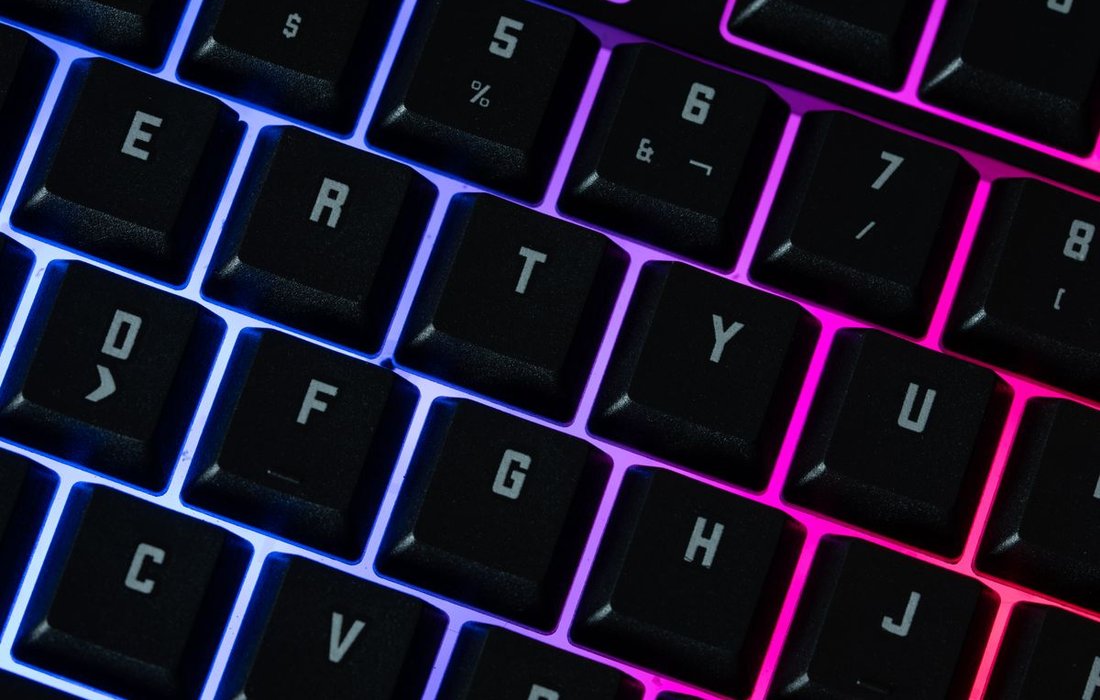
Ant Esports MK1200 Mini
- Switch: Ant Red, linear. Hot swap not confirmed on this model.
- Layout: 60%, 61 keys
- Case: plastic
- Backlight: rainbow RGB, 17 modes
- Rollover: anti ghosting. Full NKRO not stated on listing.
- Connection: USB Type A, wired
- Keycaps: ABS
- Warranty: 1 year
- Price: Rs 1,092
Sound Profile: Poppy, low volume, ABS keycaps keep it light rather than deep. Office friendly? Yes.
Redragon K552 Kumara
- Switch: Outemu Red, linear
- Layout: TKL, 87%, 87 keys
- Case: plastic with metal top plate
- Backlight: rainbow LED, 6 preset modes, not per key RGB
- Rollover: anti ghosting keys stated. Full NKRO not confirmed.
- Connection: USB Type A, wired
- Keycaps: ABS
- Price: Rs 2,290
Sound Profile: Poppy with a slightly sharper edge from the metal plate, low to medium volume. Office friendly? Mostly, keep it away from a quiet room.
Best for Typing and Office Under 5000

Ant Esports MK4100 RGB Mercury
- Switch: Outemu Brown, tactile and clicky per listing, hot swappable
- Layout: full size, 104 keys
- Case: plastic
- Backlight: Chroma RGB
- Rollover: anti ghosting
- Connection: USB Type A, wired
- Keycaps: double shot ABS
- Extras: includes magnetic wrist rest
- Warranty: 1 year, 10 day service centre replacement
- Price: Rs 2,399
Sound Profile: Tactile bump with a light click, medium volume, satisfying without being loud enough to annoy a shared desk. Office friendly? Mostly yes.
Cosmic Byte CB-GK-25 Pandora TKL
- Switch: Outemu Blue, clicky, swappable
- Layout: TKL, 87 keys
- Case: plastic
- Backlight: rainbow LED, 20 effects, adjustable brightness
- Connection: USB Type A, wired
- Keycaps: injection molded double shot. Material not specified as ABS or PBT on the listing, budget tier so assume ABS.
- Price: Rs 1,499
Sound Profile: Sharp clicky, high volume, the exact sound that gets you a Slack message from a colleague. Office friendly? No.
Best Indian Brand Keyboards
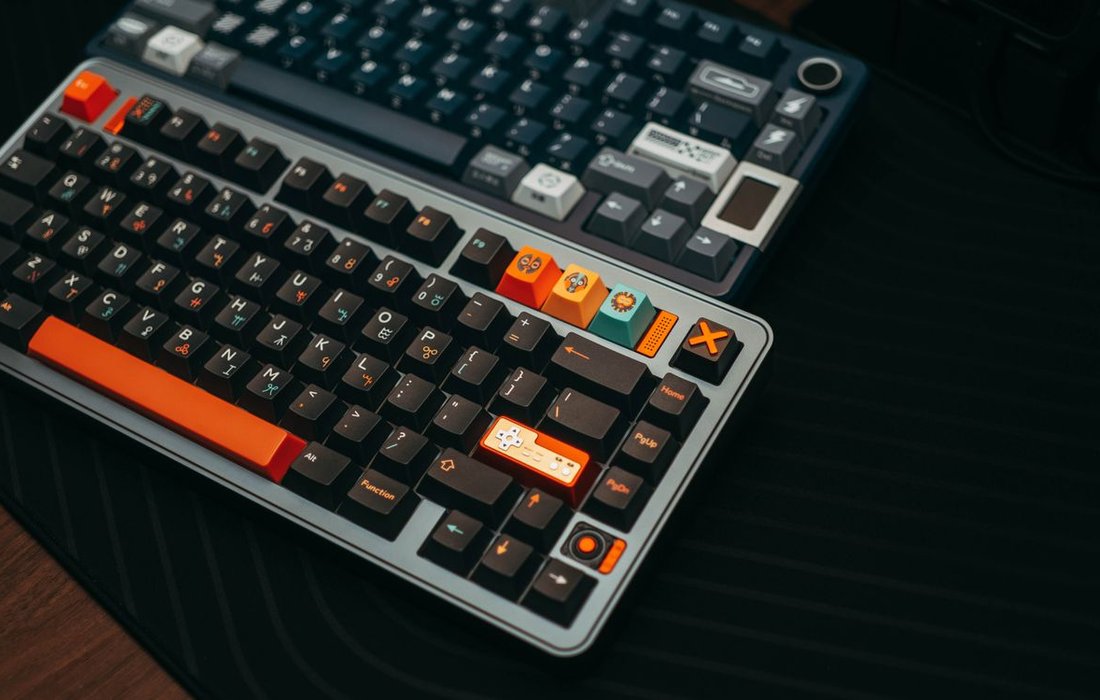
Three names, all genuinely Indian, all currently stocked on Amazon India.
Ant Esports MK4100, covered in full above. Their strongest current typing focused pick, tactile Brown switches for Rs 2,399.
Zebronics Nitro Plus
- Switch: clicky Blue
- Layout: full size, 104 keys
- Case: plastic
- Backlight: multicolor LED
- Rollover: not stated
- Connection: USB Type A, wired, 1.5m cable
- Keycaps: standard, material not specified, assume ABS at this price
- Extras: Windows lock function, integrated multimedia keys
- Price: Rs 1,850
Sound Profile: Sharp clicky, high volume, one of the loudest keyboards on this list. Office friendly? Absolutely not.
Cosmic Byte Phantom TKL
The most advanced Indian made keyboard on this entire list.
- Switch: Outemu Red, linear, pre lubed, hot swappable 5 pin
- Layout: TKL
- Case: plastic with 5 layer gasket mount
- Backlight: RGB
- Rollover: not stated
- Connection: tri mode, 2.4GHz wireless, Bluetooth, and USB Type C wired
- Keycaps: PBT
- Software: yes, proprietary software supported
- Price: Rs 3,999
Sound Profile: Thocky, medium volume, genuinely satisfying thanks to the gasket mount and PBT keycaps together. Office friendly? Yes on wireless mode with the click sound this controlled.
Best for Gaming Under 10000
EvoFox Ronin X75 Plus
- Switch: hot swappable, linear per listing
- Layout: 75%
- Case: plastic with gasket mount, 5 layer sound dampening
- Backlight: south facing RGB
- Connection: tri mode, 2.4GHz, Bluetooth, USB Type C wired
- Battery: 8000mAh
- Keycaps: pass through design, material not specified
- Software: yes, multi OS web software
- Price: Rs 5,499
Sound Profile: Thocky leaning poppy, medium volume, the sound dampening layers genuinely do their job. Office friendly? Yes, especially on wireless mode.
Royal Kludge RK61
Note upfront, the wireless version of this exact model was out of stock on Amazon India at the time of checking, so this is the wired only variant.
- Switch: hot swappable, Red, Blue, or Brown depending on the option chosen
- Layout: 60%, 61 keys
- Case: plastic
- Backlight: RGB
- Connection: USB Type C, wired only on this specific listing
- Keycaps: material not stated on listing
- Price: Rs 5,789
Sound Profile: Varies by switch chosen, expect poppy on Red, sharp clicky on Blue. Office friendly? Depends entirely on which switch you pick at checkout.
Best for Typing Under 10000
Cosmic Byte Phantom TKL, covered above, is also the strongest typing pick under 10000 thanks to genuine PBT keycaps and gasket mount, both rare below the 5000 mark.
Ant Esports MK4100, covered above, is the second pick here on tactile Brown switches, though its keycaps are ABS, not PBT, worth knowing before you buy.
Best Wireless Mechanical Keyboard India
Cosmic Byte Phantom TKL is the clearest answer under 10000. Tri mode wireless, PBT keycaps, gasket mount, all for Rs 3,999, genuinely hard to beat at this price. Full specs above.
Second option, EvoFox Ronin X75 Plus at Rs 5,499, also tri mode wireless with an 8000mAh battery if you want a slightly larger 75% layout over the Phantom TKL’s tenkeyless size.
Famous International Brands Available in India
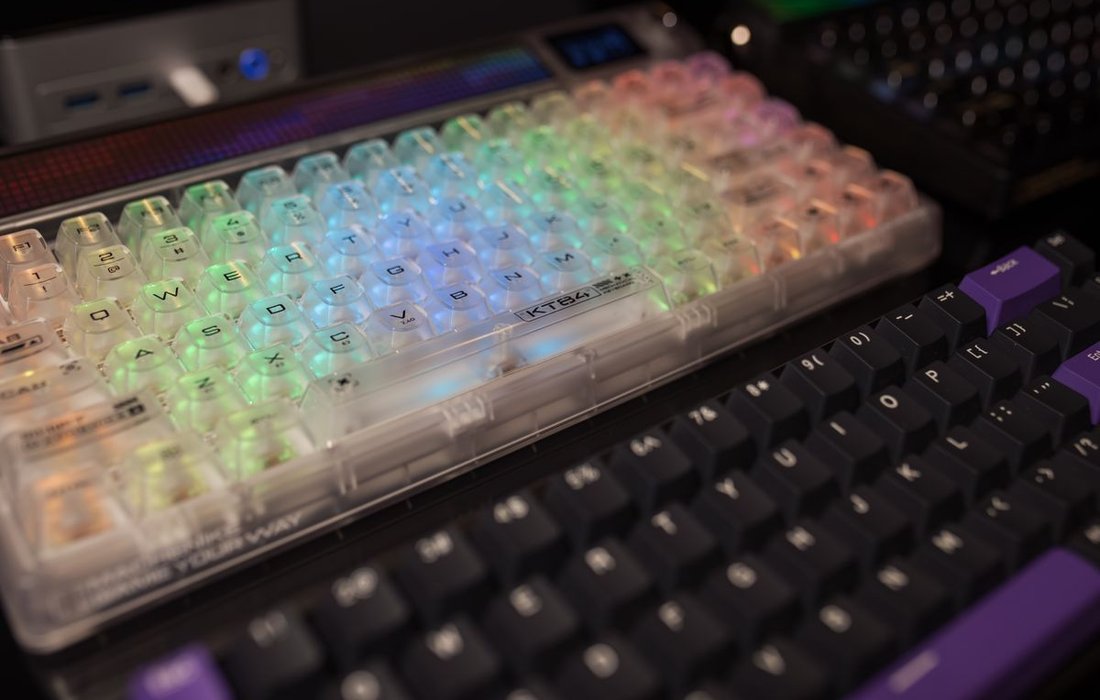
Indian buyers research these names even when they end up buying budget. Here is the honest price reality for each.
Keychron, international, the most recommended import brand in India right now.
- K2: hot swappable, Gateron Brown switches, wireless over Bluetooth plus USB Type C wired, Rs 17,492
- K6: compact 65% layout, Gateron Red switches, Rs 14,204
Both are well above the 10000 mark, so treat Keychron as an aspirational upgrade tier, not a budget pick.
Sound Profile: Thocky with stock switches, one of the best out of box sounds at any price.
Best for: buyers who have outgrown budget boards and want to spend once.
Royal Kludge, international, the value focused import brand.
- RK61: wired hot swap, Rs 5,789, covered above
- RK84: wireless 75% board with Brown switches, Rs 13,398, over the 10000 line
If wireless RK is the goal, budget for the higher tier.
Sound Profile: Decent out of box, improves noticeably with a foam dampening mod.
Best for: buyers who enjoy modding their own keyboard later.
Redragon, international, the budget gaming brand every Indian first time buyer eventually finds. The K552 Kumara, covered above at Rs 2,290, is their most recommended entry model.
Sound Profile: Poppy on Red switches, sharp clicky on Blue variants where available.
Best for: first mechanical keyboard on a tight budget.
Zebronics, Ant Esports, and Cosmic Byte are the Indian names actually worth your money at these prices, not just the international ones above. Full specs and links for all three are in the Best Indian Brand Keyboards section further up this page.
Comparison Table
| Keyboard | Switch | Sound | Keycaps | Layout | Connection | RGB | Best For | Approx Price | Buy Link |
|---|---|---|---|---|---|---|---|---|---|
| Ant Esports MK1200 Mini | Ant Red, linear | Poppy | ABS | 60% | Wired | Yes | Budget gaming | Rs 1,092 | Buy |
| Redragon K552 Kumara | Outemu Red, linear | Poppy | ABS | TKL | Wired | Yes | Budget gaming | Rs 2,290 | Buy |
| Ant Esports MK4100 | Outemu Brown, tactile | Muted click | ABS | Full size | Wired | Yes | Typing, office | Rs 2,399 | Buy |
| Cosmic Byte CB-GK-25 | Outemu Blue, clicky | Clicky | ABS | TKL | Wired | Yes | Loud typing | Rs 1,499 | Buy |
| Zebronics Nitro Plus | Blue, clicky | Clicky | ABS | Full size | Wired | Yes | Budget Indian gaming | Rs 1,850 | Buy |
| Cosmic Byte Phantom TKL | Outemu Red, linear | Thocky | PBT | TKL | Wireless tri mode | Yes | Wireless, typing, value | Rs 3,999 | Buy |
| EvoFox Ronin X75 Plus | Linear, hot swap | Thocky | Unspecified | 75% | Wireless tri mode | Yes | Gaming, wireless | Rs 5,499 | Buy |
| Royal Kludge RK61 (wired) | Red, Blue, or Brown | Varies | Unspecified | 60% | Wired | Yes | Compact hot swap | Rs 5,789 | Buy |
| Royal Kludge RK84 | Brown, tactile | Muted click | Unspecified | 75% | Wireless tri mode | Yes | Premium wireless | Rs 13,398 | Buy |
| Keychron K6 | Gateron Red, linear | Thocky | Unspecified | 65% | Wireless | Single colour | Premium compact | Rs 14,204 | Buy |
| Keychron K2 | Gateron Brown, tactile | Thocky | Unspecified | 84 key | Wireless | Single colour | Premium daily driver | Rs 17,492 | Buy |
How to Choose the Right Mechanical Keyboard
Five questions, answer them in order.
- Budget: Under 2000 gets you a working mechanical keyboard. Under 5000 gets you hot swap and real RGB. Under 10000 gets you wireless and PBT keycaps as standard.
- Use case: Gaming leans Red or Yellow linear switches. Typing leans Brown or Blue. Both at once, Brown is the honest middle ground.
- Switch type: Linear for speed, tactile for feedback without noise, clicky if you do not share a room.
- Size: Full size if you use the number pad daily. TKL saves desk space and keeps arrow keys. Compact 60% to 75% if you want maximum mouse room for gaming.
- Connection: Wired is cheaper and never needs charging. Wireless costs more but clears your desk, and tri mode wireless like the Cosmic Byte Phantom TKL gives you Bluetooth, 2.4GHz, and a wired fallback in one board.
If you are building out a full setup, our guides on the best gaming monitors under 10000, the best gaming mouse under 2000, and what ghosting in gaming actually means follow the same approach, real prices, real specs, no filler.
FAQ
What is the best mechanical keyboard in India?
There is no single best keyboard, only a best keyboard for your budget and use case. For most Indian buyers, the Ant Esports MK4100 covers typing under 2500, and the Cosmic Byte Phantom TKL covers wireless and PBT typing under 4000.
Which switch is best for typing in India?
Brown switches are the safe all round choice, tactile feedback without a loud click. If you type alone and want the most satisfying feel, Blue clicky switches win, just not in a shared office.
Which switch is best for gaming?
Red or Yellow linear switches. No bump slowing your finger down mid press means faster, more consistent actuation for anything competitive.
Are Indian keyboard brands like Ant Esports good?
Yes, within their price bracket. Ant Esports, Zebronics, and Cosmic Byte all build genuinely usable hardware under 5000 rupees, and Cosmic Byte specifically now competes with international brands costing twice as much.
Is a mechanical keyboard worth it under 5000?
Yes. Under 5000 now buys hot swappable switches, proper RGB, and occasionally PBT keycaps or gasket mount, features that cost double that two years ago.
Wired vs wireless mechanical keyboard, which is better for gaming?
Wired remains the safer choice for competitive gaming, zero input lag risk and no charging to think about. Tri mode wireless boards like the Cosmic Byte Phantom TKL close that gap significantly and include a wired fallback mode, so casual and mid level competitive gaming is fine on wireless too.
Final Word
Do not buy the most expensive keyboard on this page. Buy the one that matches your budget and what you actually do at your desk every day. If you only remember one recommendation, the Cosmic Byte Phantom TKL at Rs 3,999 is the single hardest keyboard to beat on this entire list, wireless, PBT keycaps, and gasket mount, all under 4000 rupees.
Bookmark this page. Prices on Amazon India move fast, and we update this guide the moment they do.
Sources cited: Statista projection on India’s gaming market size for 2027. All product prices and specs verified directly on Amazon India listings, linked inline above.
